Naledi Mokoena
Lead reviewer, streaming services
Runs the month-long subscription trials and logs buffering events by hand. She keeps a spreadsheet of cancellation steps for every platform, because half of them hide the button behind two menus.
Orbit TV is a small desk, not a newsroom. Most of what we publish comes from a lounge in Reddyshire where a fibre line, a second-hand decoder and three mismatched remotes share one shelf. Everyone here buys their own hardware, keeps the receipts and writes down what broke.
Lead reviewer, streaming services
Runs the month-long subscription trials and logs buffering events by hand. She keeps a spreadsheet of cancellation steps for every platform, because half of them hide the button behind two menus.
Hardware and decoder setup
Fifteen years installing DStv dishes and DTT antennas around the Free State. He handles the firmware notes, the rescan walkthroughs and the awkward question of whether a cheap box survives load shedding.
Audio and picture testing
Measures soundbars in a normal-sized room, not a treated studio. She writes the subtitle accuracy checks and flags when a service drops to 480p without telling anyone.
Data use and mobile bundles
Tracks hourly data consumption across services on prepaid bundles. His notes on what a two-hour match costs in mobile data are the ones readers email us about most.
Parental controls and support
Tests PIN locks, profile limits and what actually happens when a child finds the app store. She also keeps a log of how long each provider's support line took to answer.
Free-to-air and second-hand gear
Buys decoders from pawn shops and marketplace listings, then documents what still works. If a channel moved frequency or a box refuses to update, he is usually the one who found it first.
We do not accept payment for a rating. Devices sent in for testing are returned or bought at cost, and we say so in the write-up. If a product fails after a firmware update, that goes in the review too.
Orbit TV started as a shared spreadsheet between three households in Gauteng who kept arguing about which package was worth keeping. That spreadsheet turned into a review desk. We are not a shop and we do not sell subscriptions. We buy the boxes, plug them into our own living rooms and write down what happens.
Our readers are families on fibre or fixed LTE, renters stuck with a landlord's antenna, and people who inherited a decoder from a relative and have no idea what still broadcasts on it.
Every device in a write-up was paid for out of pocket, usually second-hand from a marketplace listing. We note the condition it arrived in and whether the seller answered questions afterwards.
A box that streams fine on a Tuesday afternoon tells you nothing. We watch through evening peak, through a Stage 4 outage, and through at least one firmware update before publishing.
Spec tables, star ratings and a short verdict. If a remote layout is annoying, we say so. If a cancellation process took four screens and a phone call, that goes in the review too.
Some of the most useful notes came from a soundbar and an old DTT receiver posted to us by readers. We test them, then send them back with the findings written up.
Corrections are welcome and get published. If a channel moved frequency or a service changed its parental controls since we wrote about it, tell us and we will re-test rather than quietly edit the page.
Orbit TV started as notes kept for ourselves: what buffered during a Springbok match, which decoder survived a Stage 4 evening, and how long a firmware update took to break the app store. Those notes turned into a routine, and the routine turned into a desk that households now read before they sign a twelve-month contract.
The first logbook
We began by writing down buffering events on a 50 Mbps fibre line in Johannesburg, mostly between 19:00 and 22:00. Resolution drops, recovery times and the exact router settings went into a spreadsheet. It was dull work, but it gave us a baseline we still compare new devices against.
Adding hardware
Readers kept asking about boxes bought off classifieds, so we started buying them ourselves. Setup time, remote layout, app store gaps and what happens after a firmware update became standard sections. Soundbars joined the list once we noticed how often dialogue clarity, not picture quality, decided whether a household kept a subscription.
Comparison tables
Side-by-side tables replaced our scattered notes. Data use per hour, subtitle accuracy, parental controls and how easy it is to cancel now sit in the same layout for every service, including niche platforms that rarely get tested. We keep the tables plain so they stay readable on a phone during load shedding.
Where we are now
Every write-up now states what we paid, where we bought it and how support responded when something failed. Households send us devices to test, and we return them with the notes attached. The desk is still small, still independent, and still funded by the same rule we started with: no review goes up until the device has lived in a real lounge for at least a month.
Every entry below started as a device or subscription on a shelf in a real lounge, not a press unit. We note the fibre line, the firmware version and the small annoyances that only show up after a few weeks of evening viewing.
Buffering test
Six months of evening logs: bitrate holds, resolution drops and how fast each service recovered after a dropout.
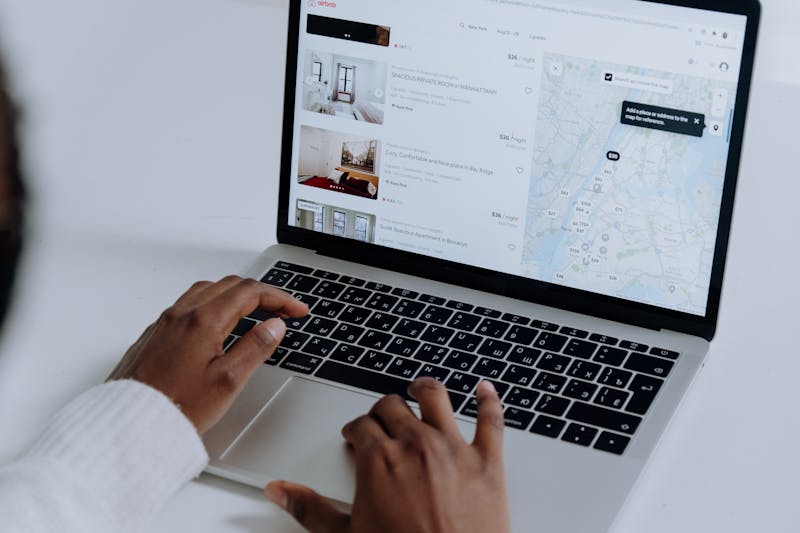
Power cuts
Which boxes restart themselves, which need a manual power cycle, and the order we bring devices back on.

Free-to-air
What came back on OpenView and DTT after the frequency updates, plus the antenna that finally held a signal.

One month in
Setup time, remote layout, the app store gaps we hit, and what the first firmware update changed.

Support notes
Response times, the questions they asked, and whether the replacement arrived with the right regional settings.
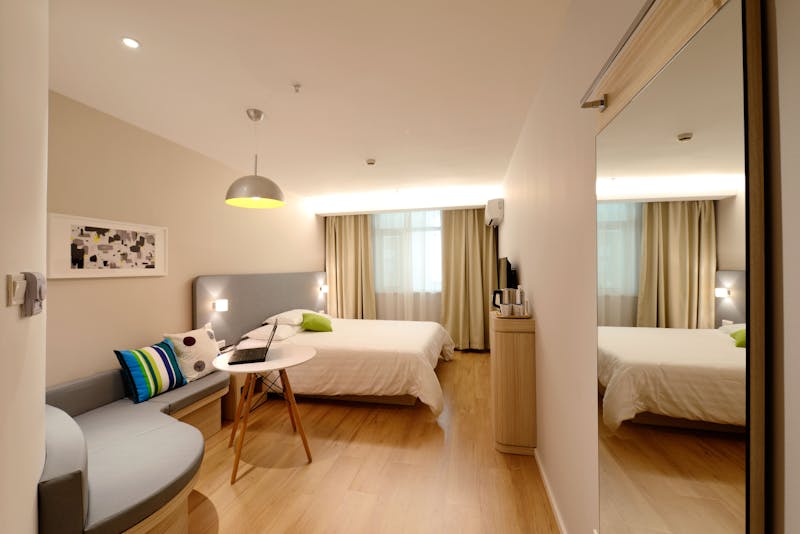
Second look
Dialogue clarity on broadcast news, HDMI ARC quirks, and the settings that survived a TV swap.
Full write-ups, spec tables and star ratings live on each page. Devices sent for testing are logged on the contact page.