Parental controls that hold up
We set PIN locks, age profiles and per-app restrictions, then hand the remote to a nine-year-old to see what actually gets through. Some boxes reset the profile after a power cut.
Most households do not need another spec sheet. They need to know whether the box in the lounge survives a firmware push, whether the kids can find their shows without help, and whether the data bill stays sane after a weekend of cartoons.
We set PIN locks, age profiles and per-app restrictions, then hand the remote to a nine-year-old to see what actually gets through. Some boxes reset the profile after a power cut.
HD and 4K streams on a mobile bundle burn through a cap faster than most families expect. We log hourly consumption on fibre and on prepaid data, including what happens when a stream drops to a lower resolution.
Which devices restart on their own, which need a manual boot, and the order to bring the router, ONT and decoder back up so the family is watching again in a few minutes.
We check subtitle timing, whether they can be resized, and if a second audio track survives switching between apps. Small things, but they decide whether a grandparent can follow the evening news.
We walk through the cancellation flow on each platform and note where it stalls, what retention offers appear, and whether the account stays active until the end of the paid cycle.
Bought a used OpenView or DTT box? We cover rescanning, outdated channel lists, remote pairing and the firmware quirks that show up on older hardware.
Each write-up lists what we paid, where we bought the device and how support responded. Start with our first-month review, or send us a device to test.
Screenshots and photos from the setups we run at home, with a short note on what each one shows and where it tends to go wrong.
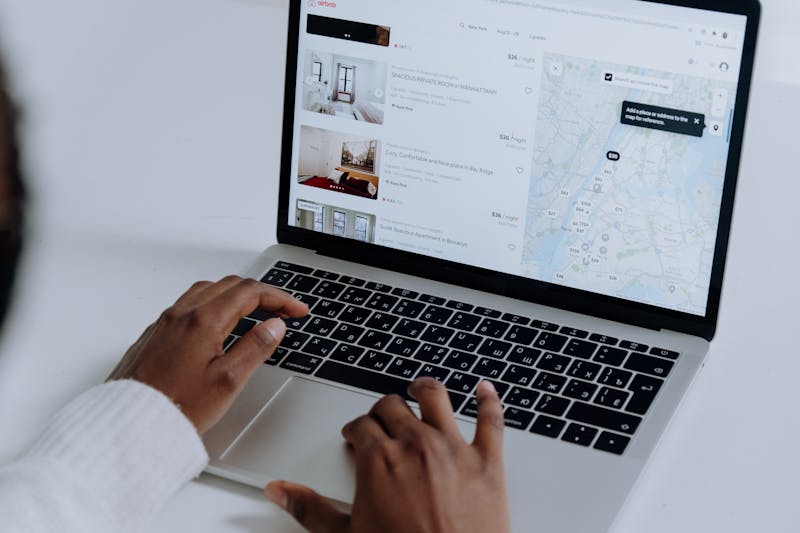
The same box, the same router, two services side by side. This frame is from an evening test where one app dropped to 720p while the other held its bitrate through a live match.

A decoder and a smart TV box behave differently after an outage. The photo shows our shelf setup: UPS, ONT and the order we switch things back on so the kids are not staring at a black screen.

Old channel lists miss free-to-air stations that moved frequency. We rescanned an OpenView box and a DTT receiver to see what a family can still watch without a monthly plan.
PIN locks, profile limits and what happens when a firmware update quietly resets them. We note which apps kept the restriction and which did not.
Figures from a mobile data bundle and a capped fibre line, so a household can see what an evening of streaming costs them in gigabytes before signing up.
A few terms come up in every household review, and they get read differently depending on who is asking. Before you compare our notes with what a salesperson tells you, here is what we actually mean by each one.
When a review says a box suits a family, it means we tested it with more than one viewer profile, a shared remote and at least one child account. It does not mean the device is cheap or that it handles four simultaneous streams. Those are separate findings, and we say so when they fail.
The buffering counts in our write-ups come from specific evening windows on a named fibre line. A 50 Mbps connection in Johannesburg behaves differently from a 20 Mbps line in a small town, and load shedding changes both. Treat the numbers as a record of one setup, not a guarantee for yours.
We check PIN locks, profile switching, age ratings and whether a child can exit a restricted profile without the code. A service that passes our test still depends on you setting it up correctly on the day. We note when a firmware update resets those settings, because several have.
Per-hour data figures come from our own router logs, not from a provider's help page. Resolution, subtitle language and whether the stream is live all shift the total. If you are on a mobile bundle rather than uncapped fibre, the difference matters more than the headline number.
A resold decoder may still be linked to another account, may miss recent frequency updates, or may never receive firmware again. We flag these cases where we found them. A clean rescan is not proof that the unit will keep working next season.
We do not test with generators, satellite dishes on remote farms, or accounts shared across more than one household. Support response times are recorded from the day we logged the query, and they vary by season. Anything we could not verify is marked as untested rather than assumed.